 Miga
MigaBooks with covers
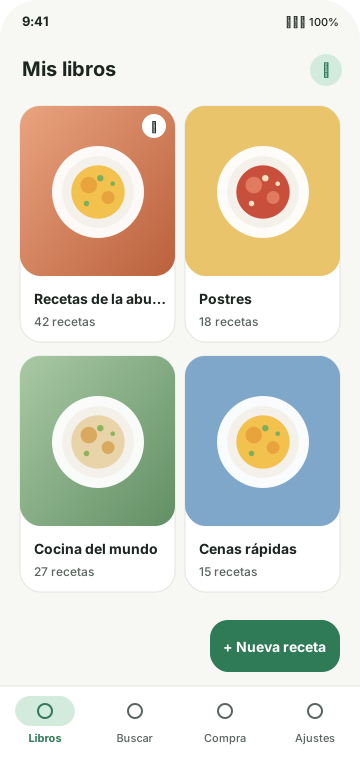
Organise recipes into books: your mum's, a friend's, or one per topic.
- Pin your favourite books on top
- Recipes grouped by category
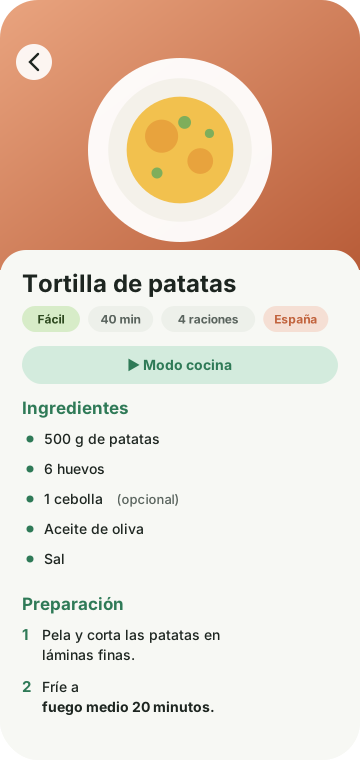
- Swipe between recipes like the pages of a book
Miga keeps your family's recipes in books with their own covers, guides you step by step while you cook and sorts the shopping by your supermarket's aisles. No accounts, no ads, and everything stays on your phone.
Miga has no servers of its own and never asks you to sign up. What you save is yours and stays on your phone.
Recipes, photos, lists and settings live on the phone. It works offline.
No sign-up, no advertising, no analytics. Open the app and start cooking.
The internet is only used for what you turn on: your assistant, Open Food Facts, packs or your server.
GPL-3.0 licensed. Read the code, build it and suggest improvements.
Pick a part of the app to see what it can do for you.
Make a book for each person or each topic, each with its own cover, and fill it with complete recipes.
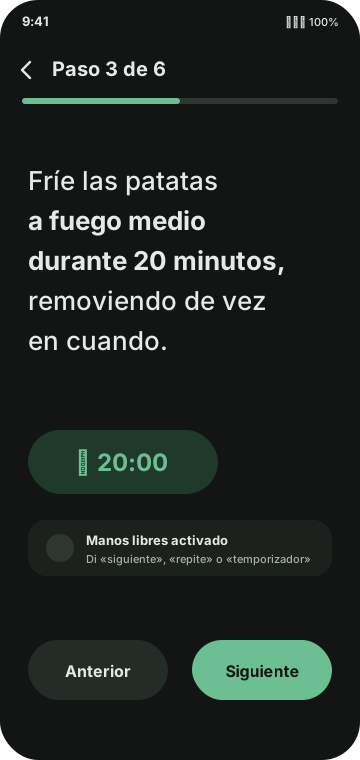
One step at a time, in large type, with the screen kept on.
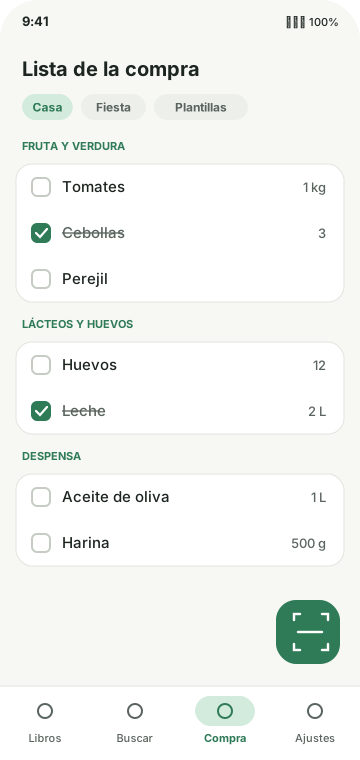
Add what you need by typing, dictating, scanning or straight from a recipe, and walk it aisle by aisle.
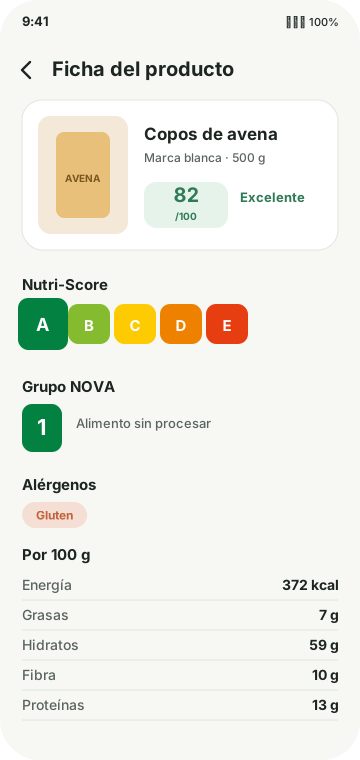
Scan a barcode and read the product sheet with Open Food Facts' open data.
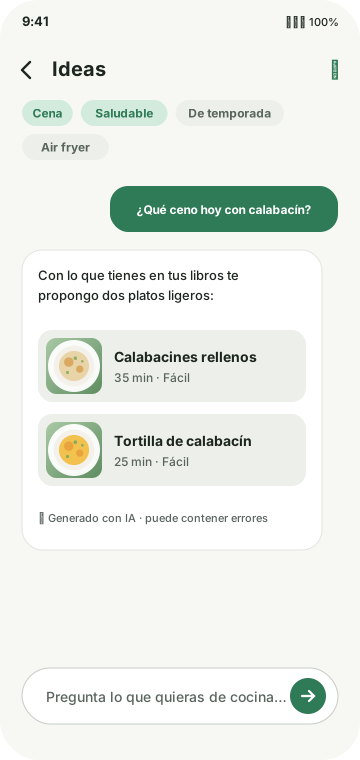
Optional AI features with your own key. Without one, nothing is sent anywhere.
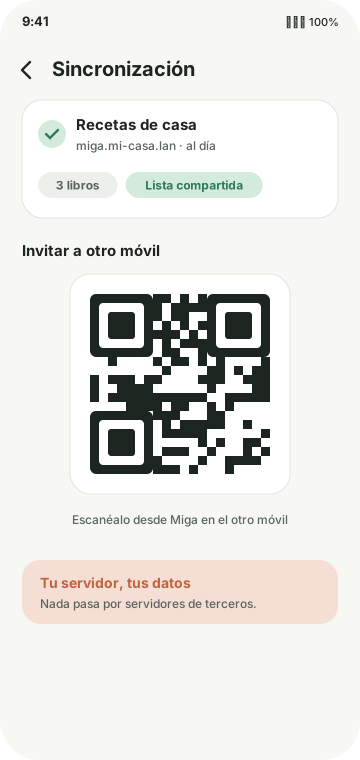
Connect Miga to a server you host and share books and the shopping list across phones.
A complete app for home cooking, explained without fine print.
Organise recipes into books: your mum's, a friend's, or one per topic.
Find any recipe across all your books by name or ingredient.
Writing a recipe is quick: the app suggests what you've used before.
Crop, rotate and improve your photos, saved at just the right size.
Big steps and the screen always on.
Add all the ingredients of a recipe in one go.
Scan barcodes to add products and see their sheet.
Bring recipes from wherever they are.
Share a recipe or a whole book in the format you need.
Save your whole library in one file and restore it whenever you like.
Make Miga look the way you like.
Your recipes, just for you.
Features marked ✨ use artificial intelligence with the key you set up. You choose the provider and the model, and Miga only sends what each task needs.
Add several and they are used in your order: if one fails, the next one steps in.
To share books and the shopping list with your family, Miga connects to a server you host. It's lightweight, runs with Docker and comes with a full web admin.
.env.example to .env, set an admin token and run docker compose up -d.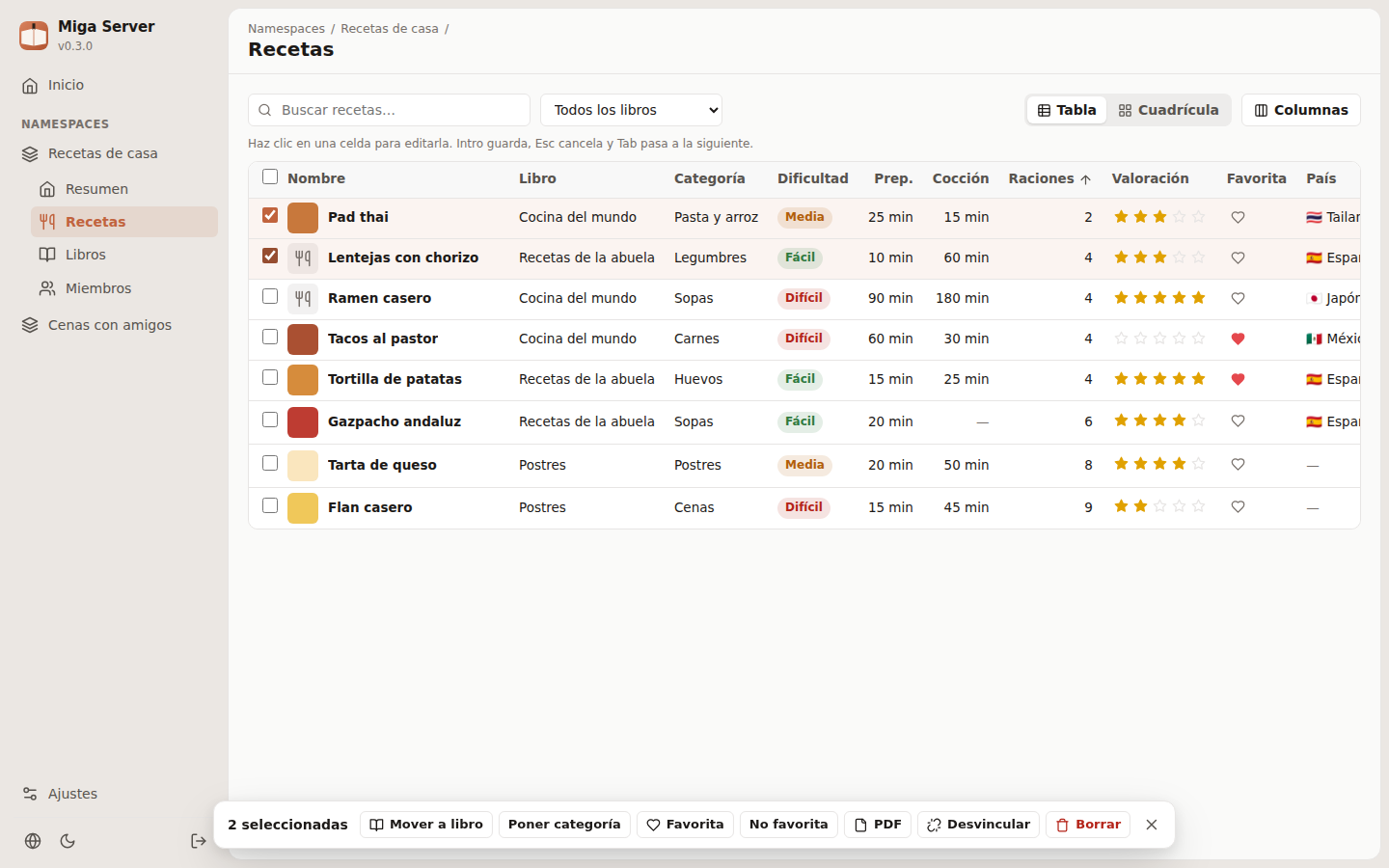
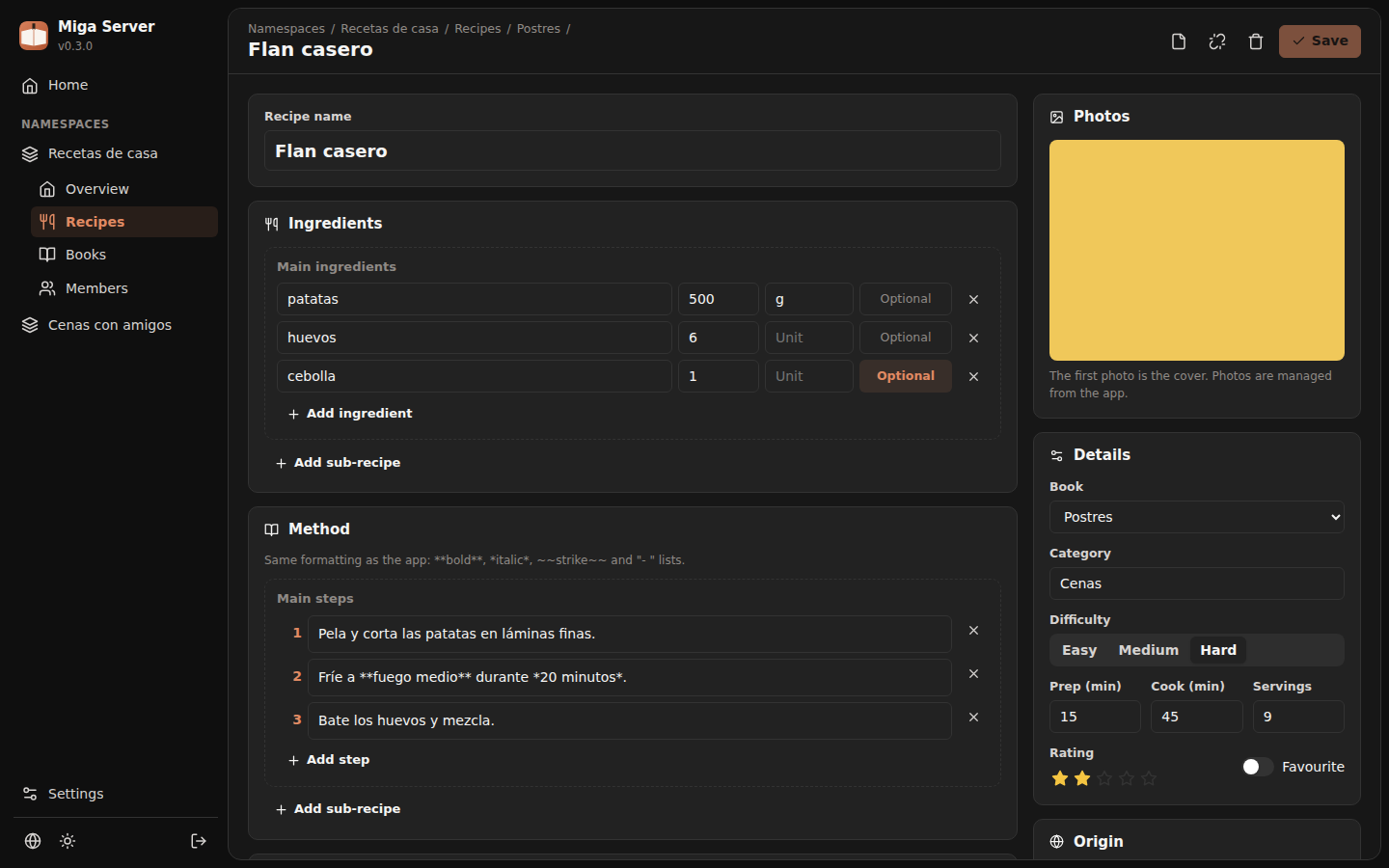
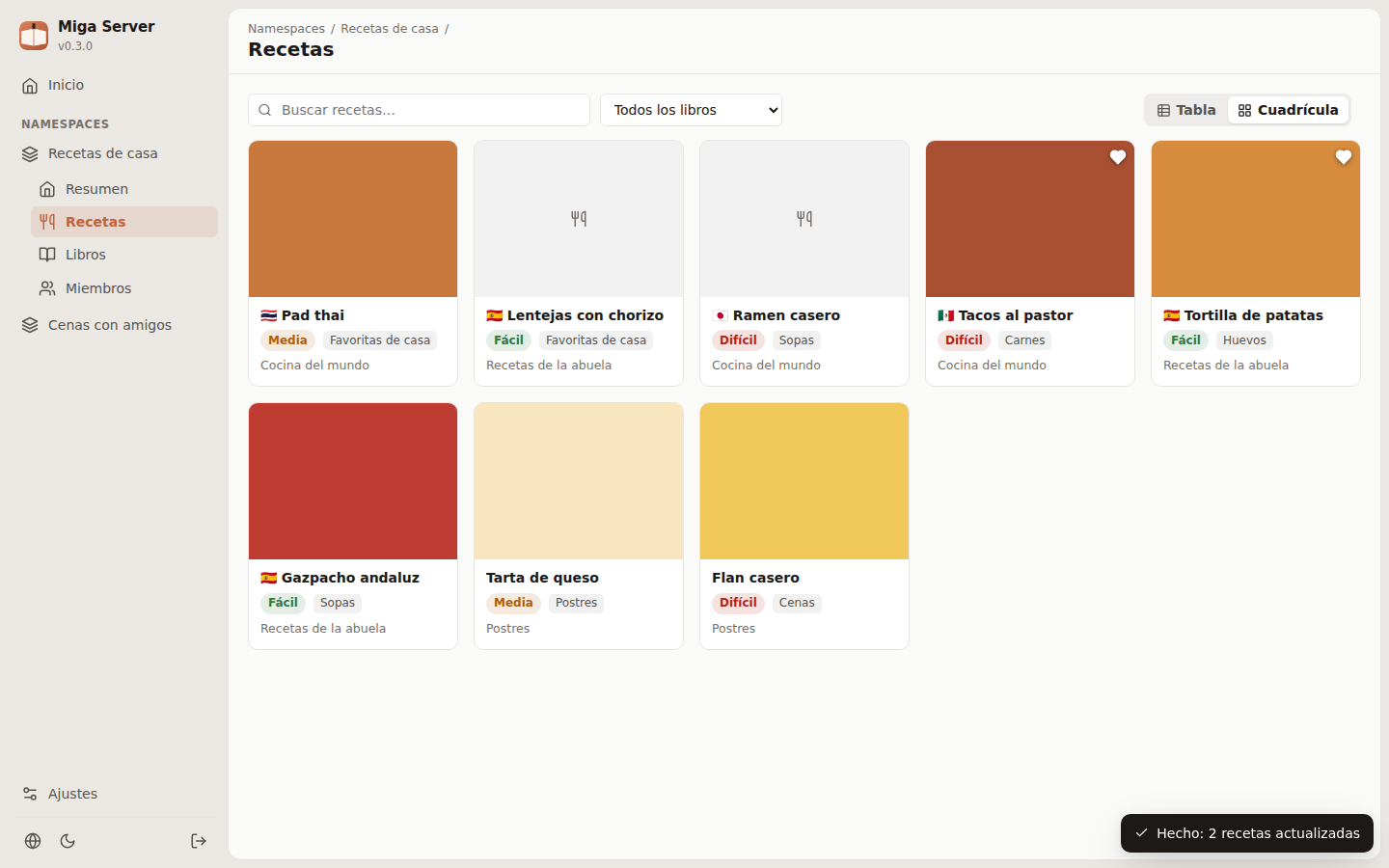
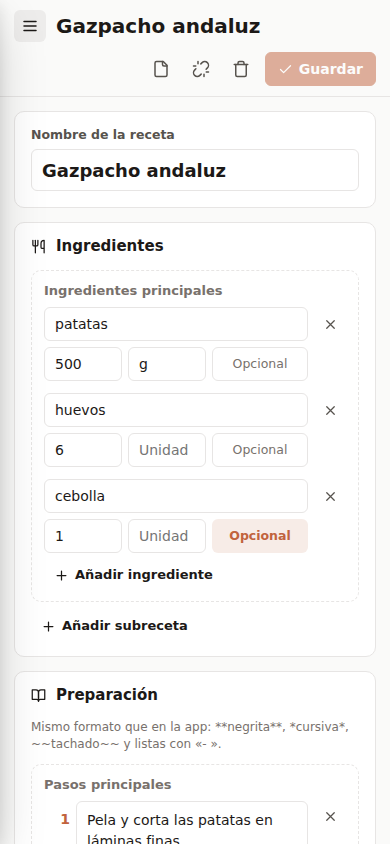
each namespace is shared by the phones you choose, with one revocable token per device.
books, recipes, photos and lists, last edit wins even when clocks disagree.
edit recipes in a spreadsheet-like table, change many at once or use the full editor.
download a recipe or a whole book with the app's design, in English or Spanish.
a daily backup with rotation, plus one-click backups and downloads.
one Docker image with SQLite; put it behind a TLS proxy to use it away from home.
A pack is a recipe book you install with one tap from Settings › Recipe packs. Its recipes can't be edited, but you can copy the ones you like into your books.
catalog.json.Sample catalog.json
{
  "schemaVersion": 1,
  "packs": [
    {
      "id": "cocina-de-la-abuela",
      "name": "Cocina de la abuela",
      "author": "Ana",
      "authorGithub": "ana",
      "description": "Guisos, potajes y postres de siempre.",
      "coverImageUrl": "covers/abuela.jpg",
      "latestVersion": 1,
      "recipeCount": 24,
      "downloadUrl": "zips/abuela.zip"
    }
  ]
}Yes. It's free and open source (GPL-3.0), with no ads or in-app purchases.
No. Everything works offline and without signing up. The internet is only used for what you choose: the assistant with your key, Open Food Facts, the packs catalogue and your server.
It depends on the provider you pick. OpenRouter has free models; with Gemini, Claude or OpenAI you pay them for what you use. Miga charges nothing and never sees your data.
In your phone's internal storage, and on your own server if you use sync. Miga has no servers of its own.
Yes: with a full backup (optionally encrypted), by exporting books as Miga files, or with sync.
For now Miga is Android only (8.0 or newer).
When you scan a barcode or search for a product, that code or text goes to Open Food Facts to fetch its sheet. The data is open (ODbL licence).
Download Miga, create your first book and save that recipe everyone keeps asking for.